Wix blogging
Publish Wix blog articles with SEO Studio: connection, timing and checks
Connect Wix Blog to SEO Studio, choose review and publication settings, then check the live text and images. Includes a documented test from 12 October 2026.
How do you publish SEO Studio articles automatically on Wix?
Connect Wix Blog in your SEO Studio account, explicitly enable automatic review if you want it, and grant publishing permission separately. Save your local time and timezone. Each article must pass its checks before receiving a publication slot. Our pilot published at 09:00:36 Paris time on 12 October 2026 after an assisted repair; this result does not guarantee future daily delivery.
If your website already runs on Wix, you can use its blog without copying each prepared article and image by hand. SEO Studio researches and prepares content around your business, then sends approved articles to the connected blog. Setup begins with the correct website, appropriate access and topics your readers actually need.
This guide describes the process available on 12 October 2026 and a recorded test on our own site. Connection, publishing permission, scheduling and a live article are separate steps.
1. Prepare the blog and your business information
Check that Wix Blog is installed and that both the blog listing and individual post pages are available on your published site. These views have separate display settings, so a good-looking card in the listing does not establish that the full article displays correctly.
Enter the exact public website address in SEO Studio, including any subfolder, then examine the editorial profile produced by the analysis. Share corrections or additional context with Oryon: your services, intended readers and topics to avoid. Confirm facts that only your business can establish, such as availability or commitments to customers. The website address alone cannot reliably establish those details.
2. Connect Wix from the owner’s account
Choose Wix in the website connection section. SEO Studio asks for an API key with blog management and media reading and management permissions, plus the site ID shown in its Wix dashboard address. Create the access in the account that owns the site and restrict its site access to the intended website. Enter the key only in the connection field, never in article content.
SEO Studio looks for the author in existing published posts. If the blog has no posts, multiple authors or incomplete author information, use the advanced option to identify the Wix member who will sign the articles. The field expects a member ID, not an email address. Testing the connection does not publish an article.
3. Choose review settings and grant publishing permission
Human review is the default mode. To use the automatic workflow, the owner explicitly enables automatic review and scheduling. Eligible future articles must then pass checks on their text, factual support and both images, without systematic human review. Existing older drafts do not become automatically approved simply because the mode changes.
Publishing permission is a separate choice made in the owner’s account. A working connection and automatic review do not replace it, and you can pause that permission. Unsupported claims or rejected images may trigger a checked correction. Uncertain results and unresolved issues remain for Oryon to examine rather than being published just to meet a target.
4. Save the local publication time and timezone
In “Publication time”, choose a local time and timezone, then save. Check that the summary shows both intended values. For example, 09:00 with Europe/Paris follows clock changes in that timezone. The preference applies to future scheduling only: articles with an existing publication date and time keep those settings.
This is the earliest time publication can begin. Checks, an active subscription, publishing permission and an operational connection are still required. Preparation delays or Wix availability can postpone the result. One article per day is the service objective, not a guarantee that every day’s article will arrive or that publication will occur at the exact second selected.
What happened in our 12 October 2026 test
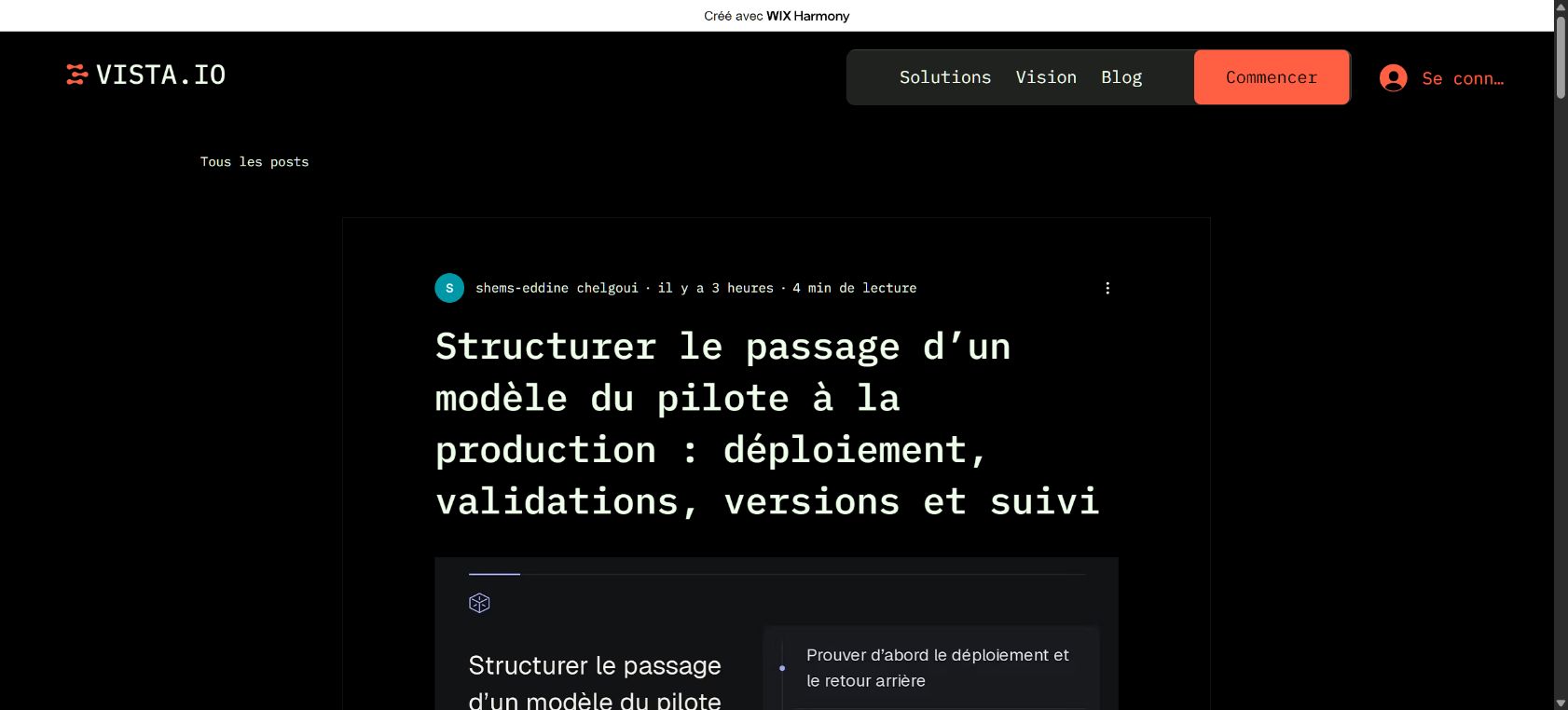
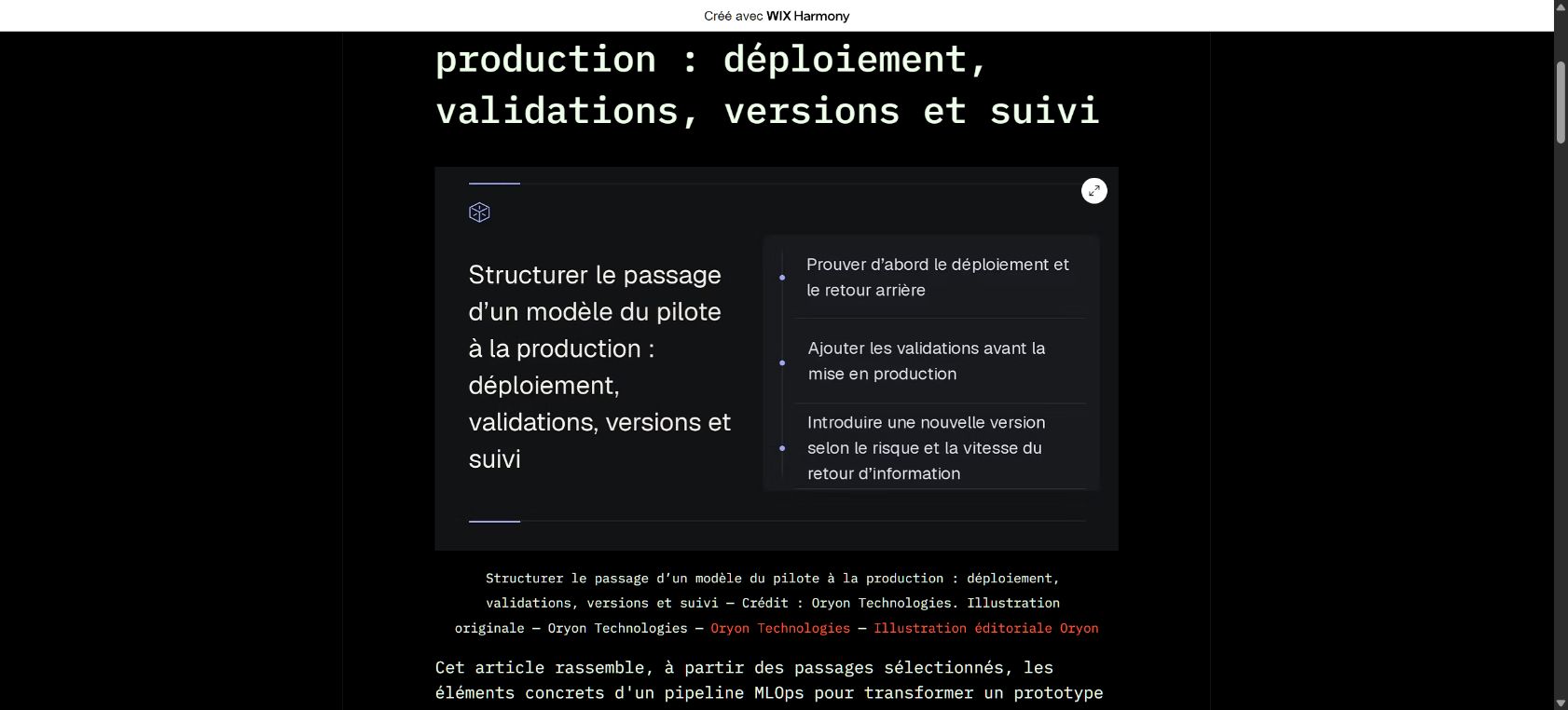
Our article about taking a model from pilot to production was published on Wix at 09:00:36 Paris time against a 09:00 slot. The recorded delay was approximately 37 seconds. We compared its live title and text with the prepared version, then checked that one cover image and a different illustration within the body both loaded.
An image repair had been restarted with assistance before that slot. Review, scheduling and publication subsequently completed automatically. This is evidence of publication after a repair, not an entirely unattended journey. It does not establish that Google indexed the article, that it ranked for a query or that later days will succeed.
5. Check the page your readers receive
After the first publication, open the actual article address on desktop and mobile. Compare its title, introduction, sections and conclusion. Scroll to the second illustration: seeing an image in a preview does not establish that it loads for readers on the full page.
Look for a single cover across the article header and body, a distinct second image, readable text, captions, credits and useful working links. If the article appears missing, inspect its Studio status before copying it into Wix yourself: a publication still in progress could create a duplicate. Send Oryon the affected address and displayed message so the specific issue can be examined.
Publish useful content, then measure its visibility
Start with real customer questions and link to relevant business pages. Editorial production and technical SEO can support each other, while their scope and results should remain clear. Publication does not guarantee Google visibility or enquiries.